Core Product

Turn live requests into a polished part of the show.

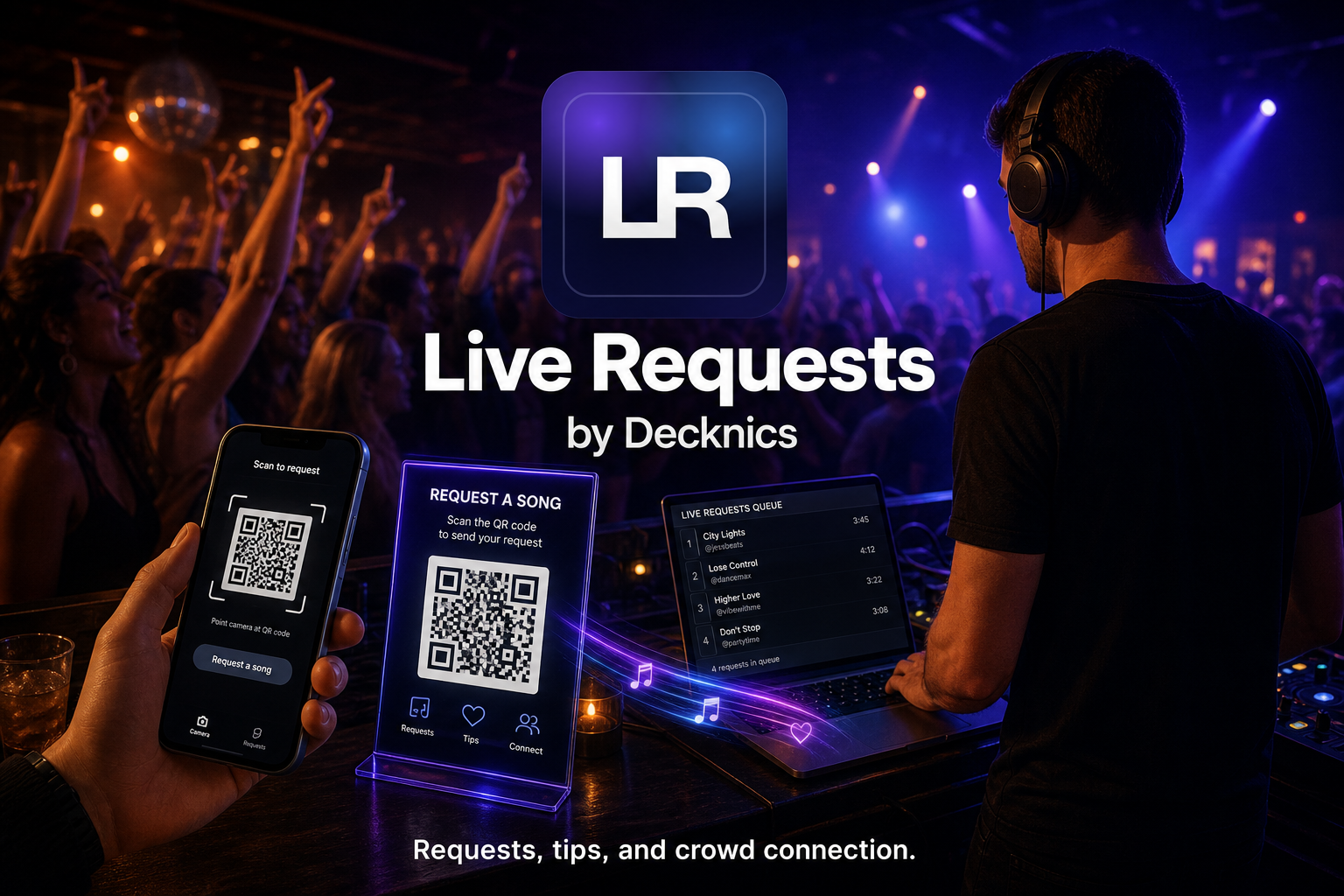
Live Requests is the audience-facing piece of Decknics. Start with a 14-day free trial, then continue at $9.99 per month unless you cancel. It gives performers QR request pages, tip-ready request flows, live monitors, overlays, and request analytics without forcing them into the rest of the platform first.

Request modes
Tip flows
Monitor pages
OBS and overlay tools

Best for the performer who wants the crowd experience handled cleanly

Live Requests is the easiest product to demo, the easiest one to understand, and the strongest first thing to sell before you upsell business or planning tools.

Request Monitor
$
Chappell Roan - Pink Pony Club Jamie from Table 4
Queued
ABBA - Dancing Queen Open request mode
Next
Create events and control request settings
Offer open requests, Spotify requests, or request-list-only flow
Use a public request page, tip-only page, monitors, and overlays
Generate QR flyers, analytics, and shareable links

What is inside Live Requests

This product should stay tight, audience-facing, and performance-focused.

Event Control

Set up the room

Create events, choose request modes, manage request settings, and share the right link or QR code for the moment.

Audience Flow

Handle requests and tips

Give the audience a polished request page, support tip flows, and show the queue in ways that help both the performer and the crowd.

Show Tools

Run the live side cleanly

Use request monitors, setlist monitors, OBS tools, overlays, request lists, setlists, and analytics from the same product lane.

Why It Leads

This is the easiest yes in the whole platform

Performers instantly understand QR requests, tip buttons, and live queue control. That makes Live Requests the right front-door offer before Venues, Contracts, or Planning come into the conversation.

Expansion Path

It naturally feeds the rest of the platform

Once someone trusts the show-facing tool, it becomes much easier to introduce venue tracking, contracts, and planning as deeper add-ons instead of confusing them on day one.

QR Request Pages Let guests scan in fast instead of hunting for paper or shouting requests from the room.
Tip-Friendly Flow Blend requests and support links so the crowd has a clear path to engage and tip.
Monitors and Overlays Run clean request screens for venues, projectors, OBS, and transparent desktop overlays.

Does this only work for DJs?

No. Live Requests is being positioned for DJs, bands, solo artists, and karaoke hosts. The request flow is the same, even if the performer type changes.

This is the product I’d lead with first, because people immediately understand what it does for the room.